'%20xmlns:inkscape='http://www.inkscape.org/namespaces/inkscape'%20xmlns:sodipodi='http://sodipodi.sourceforge.net/DTD/sodipodi-0.dtd'%20xmlns='http://www.w3.org/2000/svg'%20xmlns:svg='http://www.w3.org/2000/svg'%3e%3cdefs%20id='defs5'%20/%3e%3csodipodi:namedview%20id='namedview5'%20pagecolor='%23ffffff'%20bordercolor='%23000000'%20borderopacity='0.25'%20inkscape:showpageshadow='2'%20inkscape:pageopacity='0.0'%20inkscape:pagecheckerboard='0'%20inkscape:deskcolor='%23d1d1d1'%20showgrid='true'%20inkscape:zoom='2.896'%20inkscape:cx='95.994475'%20inkscape:cy='70.441989'%20inkscape:window-width='1216'%20inkscape:window-height='1269'%20inkscape:window-x='26'%20inkscape:window-y='23'%20inkscape:window-maximized='0'%20inkscape:current-layer='g1'%3e%3cinkscape:grid%20id='grid2'%20units='px'%20originx='0.99447632'%20originy='0.44198614'%20spacingx='1'%20spacingy='1'%20empcolor='%230099e5'%20empopacity='0.30196078'%20color='%230099e5'%20opacity='0.14901961'%20empspacing='5'%20enabled='true'%20visible='true'%20/%3e%3c/sodipodi:namedview%3e%3crect%20width='38.259674%25'%20height='30.110502%25'%20fill='%230D0D0D'%20id='rect1'%20style='fill:%23130707;fill-opacity:0;stroke-width:0.339414'%20x='0'%20y='0'%20/%3e%3cg%20id='g1'%20transform='translate(-154.00552,-179.55801)'%3e%3cg%20transform='translate(40,20)'%20id='g5'%3e%3cpath%20d='m%20170,160%20h%2070%20l%200.3453,115.81492%20h%20-35.6906%20l%200.34531,-70.52486%20-17.47087,-0.19236%20-24.40759,70.37191%20-33.96409,1e-5%20z'%20fill='%23b22222'%20id='path1'%20sodipodi:nodetypes='ccccccccc'%20/%3e%3cg%20fill='%23ffffff'%20id='g4'%20transform='matrix(0.83598066,0,0,0.83813859,22.056284,26.588433)'%3e%3crect%20x='266.68527'%20y='254.41136'%20width='42.174503'%20height='42.600708'%20rx='1.5366238'%20id='rect4-6-5'%20style='fill:%23ffffff;stroke-width:1.64389'%20/%3e%3crect%20x='266.5564'%20y='206.36031'%20width='42.174503'%20height='42.600708'%20rx='1.5366238'%20id='rect4-6-5-56'%20style='fill:%23ffffff;stroke-width:1.64389'%20/%3e%3crect%20x='266.36804'%20y='159.5023'%20width='42.174503'%20height='42.600708'%20rx='1.5366238'%20id='rect4-6-5-56-2'%20style='fill:%23ffffff;stroke-width:1.64389'%20/%3e%3c/g%3e%3c/g%3e%3c/g%3e%3c/svg%3e)
Coach with Copilot, analytics, and week-by-week publishing.
Build periodized programs, review them with fatigue analytics and AI, message clients, and watch lift videos next to the logs — then publish the next week with confidence.
Always know your next workout — and log it cleanly.
Follow a published program from your coach or AI Coach, log one active set at a time with video and notes, and message your coach without leaving the session.
Built for both sides of the bar
Use the Coaches / Lifters toggle in the header to focus the page — or pick a path below.
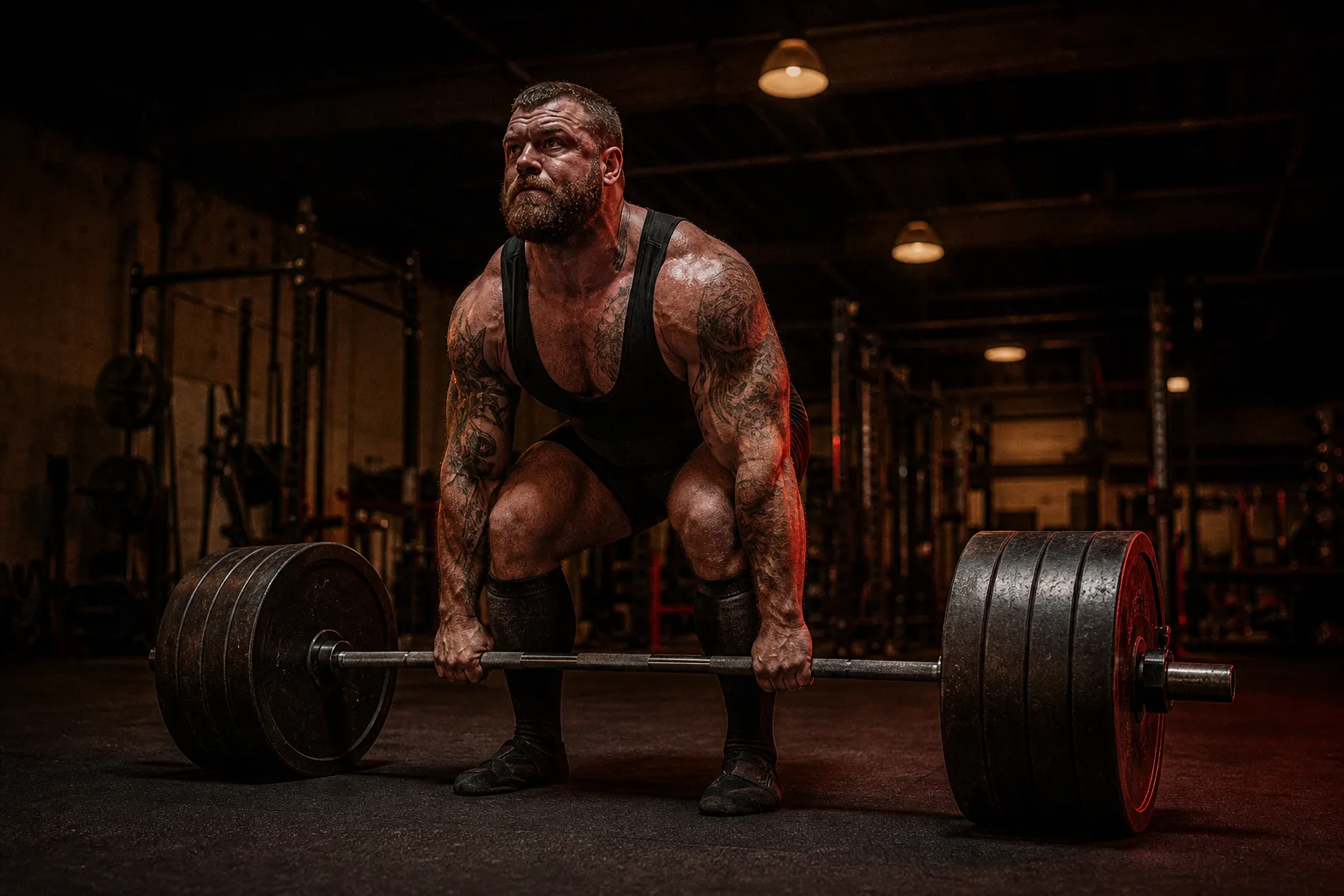
Write programs, not spreadsheets.
- Armiger Copilot on every screen — ask about programs, roster, logs, and session summaries without leaving your workflow.
- Review plans with fatigue analytics and scoped AI review, then publish week by week with a clear gate of what lifters will see.
- Message clients, watch lift videos next to set logs, and manage invitations and team coaches from one place.
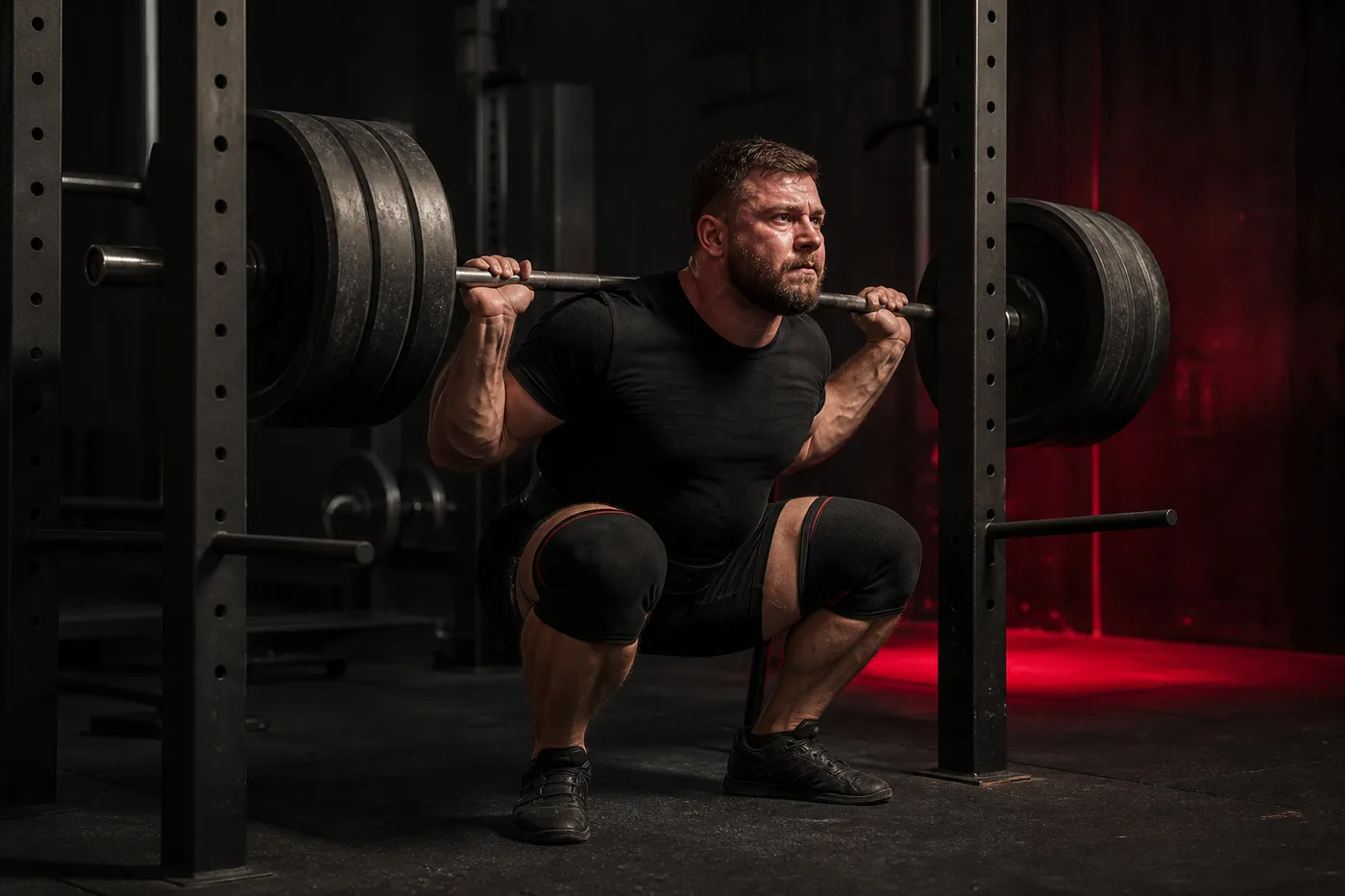
Always know your next workout.
- Your dashboard always shows the next workout or the session in progress, so you never have to guess.
- Log one active set at a time — actual vs. prescribed intensity, video, and notes — then message your coach in-app.
- No coach yet? An AI Coach can write and adapt your program from training logs on a self-coached platform plan.
Built for coaching teamsBuilt for lifters
From program design and Copilot review to client chat and lift video — everything in one place.From the next workout and set logging to video, chat, and optional AI Coach — stay focused on training.
Armiger Copilot
An AI coaching layer that reads your programs and training data — metered by credits so teams and self-coached lifters stay in control of cost.
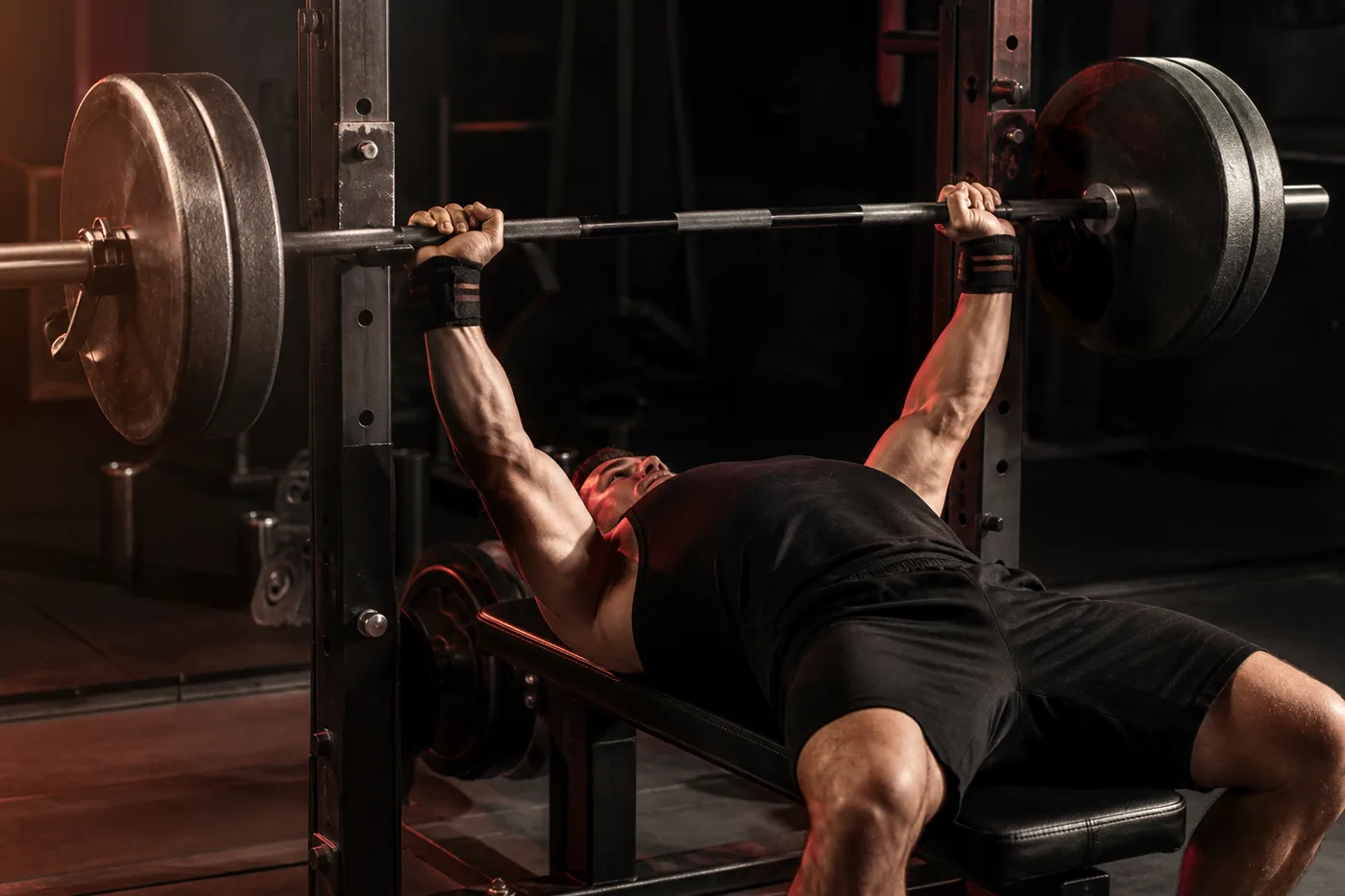
Program review by analytics and AI
Numbers first, then coaching judgment — so publish decisions stay disciplined under load.
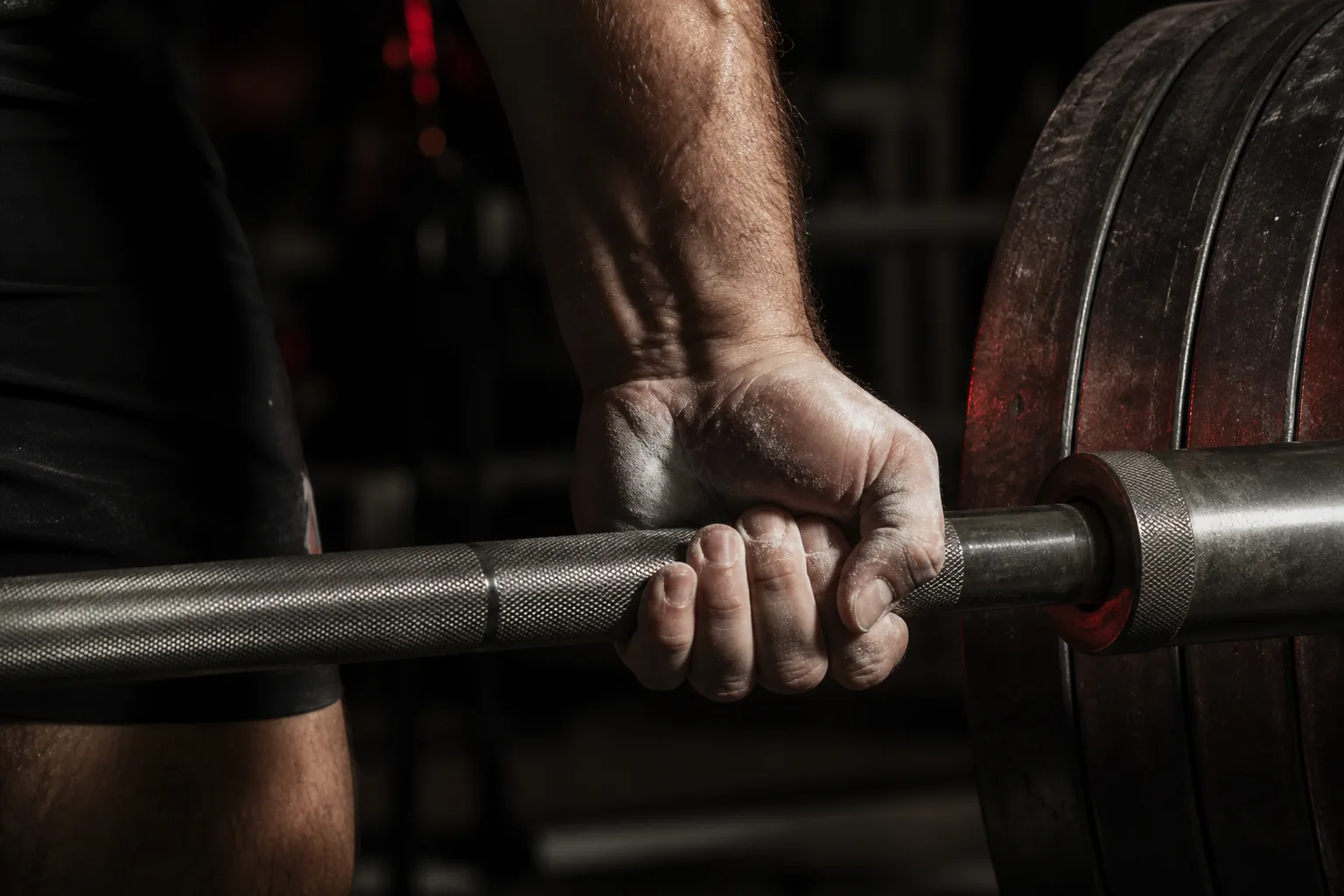
Built for the platform — where the bar, chalk, and next set meet the plan.
Stay connected through the session
Text messaging and lift videos live next to the program — so feedback stays tied to what was actually trained.
How it works
A coaching loop that connects planning, review, publishing, and real training feedback.A training loop that keeps the next session obvious and feedback tied to what you logged.
Plan the block
Build blocks, weeks, and sessions in the program editor — or generate a draft block with AI and refine it before it goes live.
Review with analytics and AI
Run Program Check for RTS fatigue, TSB, and sanity warnings, then open Copilot Review for a scoped coaching read on the same plan.
Publish the week
Publish week by week. The publish review shows prescription diffs, analytics panels, and exactly what the assigned lifter will see.
Adjust from logs and video
Read set logs, notes, and attached lift videos, message the athlete, and reshape the next week from real training data.
See the next workout
Your dashboard always surfaces the next upcoming session or the one already in progress, so you never have to guess what to do.
Log the active set
One active set at a time: actual vs. prescribed intensity, RPE or RIR when needed, and notes for your coach.
Attach video and notes
Record or trim a clip on mobile and attach it to the lift. Cloud uploads stay within your tier quota; device-only clips remain as a fallback.
Get feedback from coach or AI
Message your human coach, or — if you are self-coached on a paid platform plan — let the AI Coach adapt the next week from your logs.
Simple pricing, built around training load
Plans for coaching teams and for self-coached lifters. Save 20% with yearly billing.
For coaching teams
- 1 client
- 1 coach
- No AI credits
- No team cloud video grant (roster baseline only)
- 8 clients
- 2 coaches
- 1,000 AI credits / period
- +1 GB cloud video per lifter (up to 40 clips)
- 25 clients
- 5 coaches
- 4,000 AI credits / period
- +3 GB cloud video per lifter (up to 100 clips)
- 80 clients
- 15 coaches
- 15,000 AI credits / period
- +5 GB cloud video per lifter (up to 200 clips)
For self-coached lifters
Personal plans are for platform lifters who are not on a coach roster. Roster lifters use their team's plan.
- No AI Coach
- No program editor
- No on-demand AI assistant
- No AI credits
- No cloud video storage
- AI Coach (adapting programs)
- Full program editor
- No on-demand AI assistant
- 400 AI credits / period
- 2 GB cloud video, up to 40 clips
- AI Coach (adapting programs)
- Full program editor
- On-demand AI assistant
- 1,500 AI credits / period
- 5 GB cloud video, up to 150 clips
Prices in EUR, excluding tax. Cloud video limits apply to shared uploads; local device clips are unaffected. Roster lifters on a Free team still get a small cloud baseline (250 MB / 25 clips / 60s) so technique review stays possible.
Get started
Open the coach dashboard on the web, and train alongside athletes from mobile when the app ships.Train from your phone when the app ships — or start on the web today.
Coach from anywhere
Check in on lifters and respond to messages from the mobile app when it ships, then build, review with Copilot, and publish programs from the full coach dashboard on the web.
Train from your phone
Follow the program your coach (human or AI) built, log sets with video and notes, and message your coach — all from the Armiger Lifts mobile app when store listings go live.
Ready to coach with structure?
Put Copilot, program review, client messaging, and week-by-week publishing in one place — then scale the team when the roster grows.
Ready to train with a clear plan?
Follow your coach or start with an AI Coach, log sets with video, and always know what comes next.